Listings & SEO· Jane Wilson 5 min read
How to Write 20 Listings in an Evening: Photos, Notes and One Template
A batch method for a new shop: photograph everything in one session, keep one notes template per product, draft, check and publish, and know which facts only you can supply.
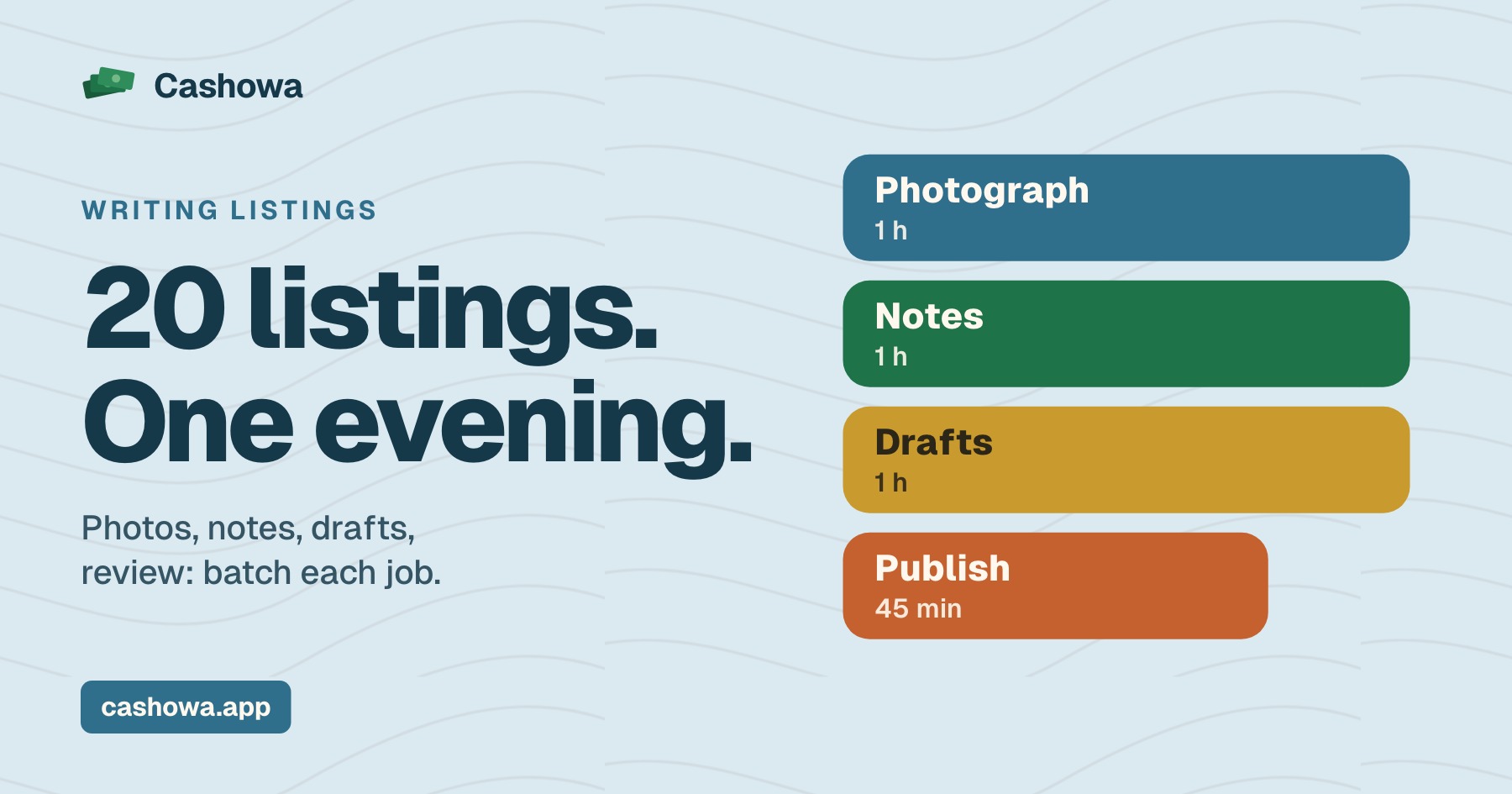
To write product listings quickly, stop writing them one at a time: photograph every product in one session, keep one notes template per product, then draft, check and publish in batches. This guide sets out an evening's plan for twenty listings, the template, which facts only you can supply, and what Etsy, eBay, Shopify and WooCommerce offer for listing many products at once. The timings in the plan are an example, and your own pace will differ.
Let a draft start from your photos and notes
What Cashowa can doThe plan to write product listings in an evening
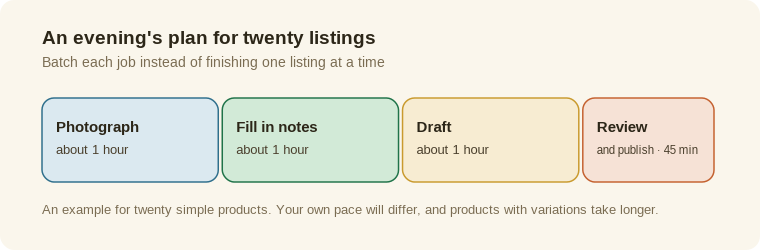
- Photograph everything in one session (about an hour). Set up one plain backdrop and one source of window light, and take the same set of shots of each product. Our guide to product photography with your phone lists the shots a buyer needs.
- Fill in a notes template for each product (about an hour). The template is below.
- Draft the title, description and tags from the notes (about an hour). Drafting from notes is quicker than staring at a blank form, and it keeps your facts in front of you.
- Review and publish (about 45 minutes). Read each listing as a buyer would, check the facts, and publish.
The notes template
Write these down for each product, in your own words, in a few lines each:
- What it is, in the words a buyer would type to find it.
- Materials, and anything it is not made of that a buyer might assume.
- Size and weight, packed and unpacked.
- Colors and options.
- Who it is for and when it is used (a gift, a kitchen, a nursery).
- How it was made, only as far as it is true.
- Care and use.
- What comes in the box.
- Processing time, and your SKU and quantity.
- What it cost you to make, packaged, so the price is not a guess.
The facts only you can supply
A tool can draft wording. It cannot know who made the item, when, or what condition it is in. On Etsy the form asks who made the item, when it was made, whether it is a finished product or a supply, its category and its shipping profile. On eBay it asks for the category, the condition, where the item is, your payment, shipping and return policies, and the item specifics the category requires. Fill these in yourself, once per product type, and reuse the answers: an honest answer to a required field is cheaper than a listing that eBay or Etsy refuses.
Check each draft before you publish
- The title fits the platform: Etsy's help page on creating a listing gives up to 140 characters, and eBay's page on optimizing listings says no more than 80.
- The tags use all 13 slots on Etsy, each up to 20 characters.
- The description answers what a buyer would ask, with no fact you did not give.
- The photos match the item and carry alt text.
- The price and quantity come from your cost notes.
Listing many products at once, platform by platform
Each platform has its own tools, and they differ. Etsy's page on creating or editing multiple listings says Etsy does not have a way to bulk upload new listings, and offers copy and duplicate for making new ones from an existing listing and a bulk edit tool for changing titles, tags, descriptions and prices on existing ones. eBay's page on bulk listings describes the Bulk Listing Tool, which manages up to 2,000 listings and includes Sell Similar, and Seller Hub Reports, which takes CSV files. Shopify and WooCommerce accept CSV imports: Shopify's help page says the file must be under 15 MB and UTF-8 with case-sensitive headers, and WooCommerce's CSV importer takes images as URLs and cannot set image alt text. Our guide to bulk editing listings covers the edit side.
Where Cashowa fits
Cashowa's New listings writes a listing from your photos and notes as a draft that you approve, and it never fills in what only you can say: on Etsy the fields above, on eBay the category, the condition, the location, the policies and the required item specifics. A new product starts as a draft you open on the platform: a draft product on Shopify, a draft on WooCommerce, a draft listing on Etsy. eBay is different: it has no draft an app can make, so approving lists the item live and eBay's fee, shown on the card first, applies. "Check with eBay" shows eBay's own errors and fees without listing anything. How many listings Cashowa can write for you in a month depends on your plan: see pricing. How Cashowa works for sellers says what it reads and keeps.
Frequently asked questions
How long does it take to write a product listing?
It depends on the product and how well you know it. The plan above is an example: with the photos taken and the notes written first, twenty listings in an evening is a realistic target for simple products, and fewer for ones with variations or many fields.
What should go in my notes?
What the item is, its materials, size, colors, who it is for, care, what comes in the box, processing time, and what it cost you. Only facts you know to be true go in: a listing built on them stays accurate.
Can I bulk upload listings to Etsy?
Etsy's help page says it does not have a way to bulk upload new listings. It offers copy and duplicate for making new listings from existing ones, and a bulk edit tool for existing listings.
Does eBay have a bulk listing tool?
Yes. eBay's Bulk Listing Tool manages up to 2,000 listings from Seller Hub and includes actions such as Sell Similar and Create multiple listings, and Seller Hub Reports accepts CSV files.
The term 'Etsy' is a trademark of Etsy, Inc. This Application uses Etsy's API, but is not endorsed or certified by Etsy. eBay, Shopify and WooCommerce are trademarks of their respective owners. Cashowa is independent and is not endorsed or certified by any of them.