Listings & SEO· Kamal F 5 min read
Alt Text for Product Photos: What to Write and Where
Alt text describes a photo for people who cannot see it and for search engines. Here is what Google and Etsy say to write, a way to do it for a product, and where each platform lets you add it.
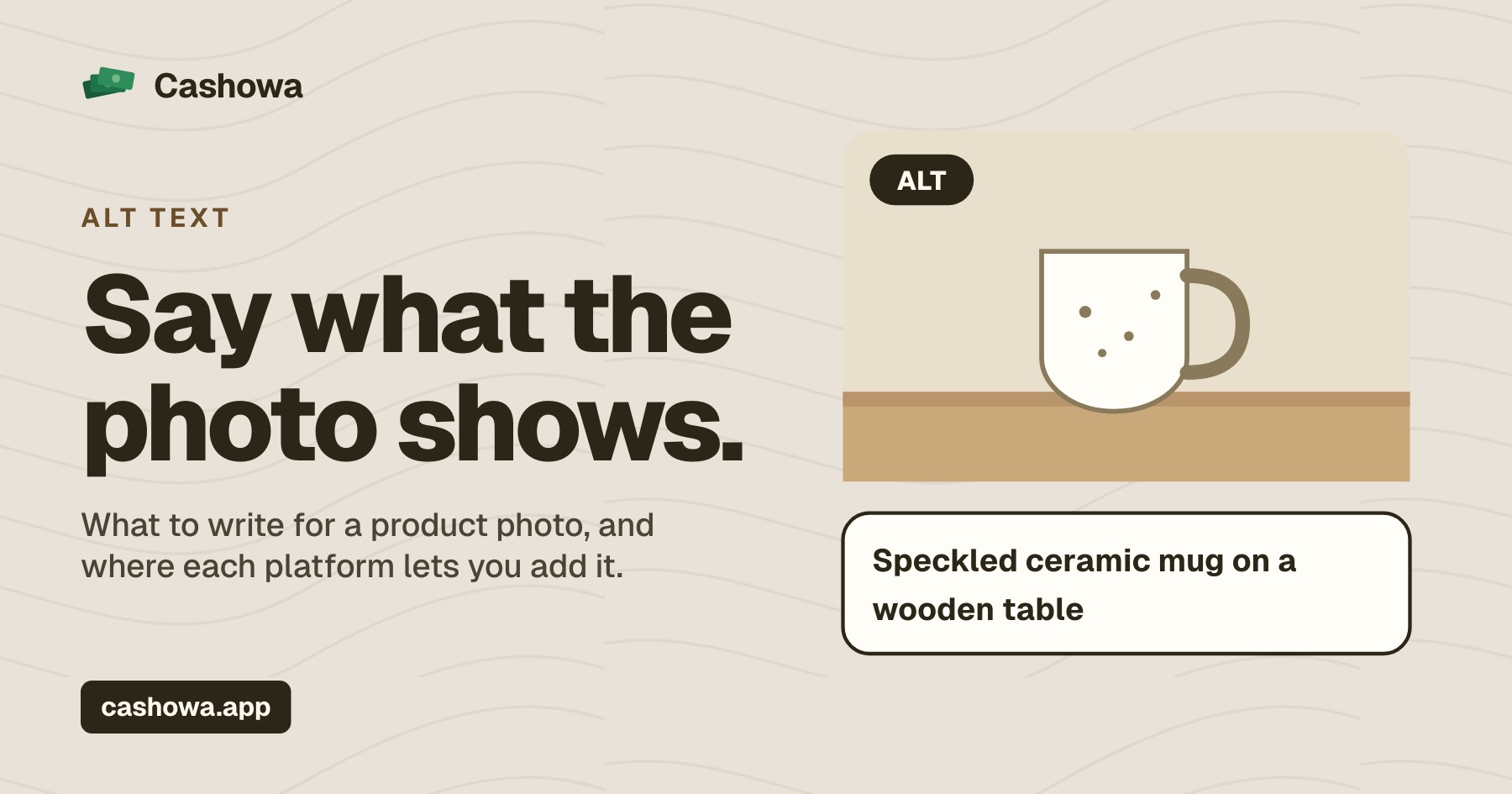
Alt text for product photos is a short written description of what a picture shows. It is read aloud to someone using a screen reader, shown if the image does not load, and used by search engines to understand what the image is. Many sellers have never written any, and the box is often simply empty. This is what Google and Etsy say about it, and how to write it for a product.
See what is holding your listings back
How Cashowa works for sellersWhat alt text is for
There are two reasons, and the first is the more important.
Accessibility. A person who cannot see the picture hears the alt text in its place. For a product listing, that is the difference between a shopper who knows what is on offer and one who hears only "image" for every photo.
Search. Google's guidance on images calls alt text the most important attribute for giving an image metadata. Google uses it together with the page's content and computer vision to understand what an image is about.
What good alt text for product photos looks like
Google's advice is that alt text should be useful, information-rich content that uses keywords appropriately, and fit the context of the page. It warns against stuffing keywords into it, which makes for a poor experience and can cause a site to be seen as spam. Its own example is the progression from a missing alt attribute, to "puppy", to the best version, "Dalmatian puppy playing fetch".
Applied to a product, that comes to this:
- Say what is in the picture. The item, and what is distinctive about it in this view.
- Include the facts a buyer would look for. Colour, material, shape, and the view: front, side, in use, close-up of the glaze.
- Keep it to a sentence. Long enough to be useful, short enough to be read aloud without tedium.
- Skip "image of" and "photo of". A screen reader already says it is an image.
- Do not repeat the same words on every photo. Each picture shows something different, so each description should.
An invented example, for a handmade mug, shows the difference. No alt text: the box is empty. Stuffed: "mug ceramic mug coffee mug gift mug handmade mug". Useful: "Speckled blue stoneware mug on a wooden table, seen from the side with the handle on the right". And for the second photo: "Close-up of the speckled glaze inside the mug's rim".
Different views, different descriptions
Etsy's help page on alt text suggests describing the image in detail, with colour, texture and material where they apply, and says describing different views, details or variations is especially useful. A listing with six photos should have six different descriptions: the front, the back, the scale shot, the detail, the packaging, the item in use.
Where to add it
- Etsy. In Shop Manager, open the listing, select the photo, and write the description in the alt text section; you can do it for as many images as you like. Etsy's help page says this works when your shop's default language is English. Etsy may add alt text of its own to some US listings, and it does not overwrite alt text you have written.
- eBay. There is no alt text field for listing photos.
- WooCommerce. In WordPress, alt text is a field on each image in the media library, and a product's images use it.
File names help a little
Google also advises short, descriptive file names: it gives "my-new-black-kitten.jpg" as better than "IMG00023.JPG", and says a file name gives very light clues about what is in an image. If you rename photos before uploading, it costs a minute and does no harm. It is a small signal and not a substitute for alt text. Alt text is one of the checks in a listing health check, along with titles, descriptions, tags and price.
What alt text will not do
It will not rescue a weak listing, and nobody can promise that adding it will raise a listing's position. What it does is make a product describable to a person who cannot see the photo, and legible to a search engine that cannot see it either. Both are good reasons to do it.
Where Cashowa fits
Cashowa checks every active listing and flags photos that have no alt text, except on eBay, which has none. Where it can, it writes alt text for you to approve: on a WooCommerce store it looks at the store's own product photos to write it, and leaves out any photo it cannot open, saying so. On Etsy it can only tell you, because Etsy gives apps no way to change the alt text of a photo that is already on a listing; you would add it in the listing editor yourself. Nothing is changed until you approve it. How it works for sellers says what it reads and keeps.
Frequently asked questions
What is alt text on a product photo?
A short written description of what the picture shows. A screen reader reads it aloud to someone who cannot see the image, and search engines use it to understand the image.
How long should alt text be?
About a sentence: enough to say what is in the picture and what is distinctive about this view, without listing keywords. Google's own best example is a short, specific description, "Dalmatian puppy playing fetch".
Should I put keywords in alt text?
Use the words a buyer would use to describe the item, where they fit. Google warns against stuffing alt text with keywords, which can make for a bad experience and be seen as spam.
Can I add alt text on Etsy?
Yes. In Shop Manager, open the listing, select a photo and add the description in the alt text section. Etsy's help page says it works when your shop's default language is English.
The term 'Etsy' is a trademark of Etsy, Inc. This Application uses Etsy's API, but is not endorsed or certified by Etsy. eBay and WooCommerce are trademarks of their respective owners. Cashowa is independent and is not endorsed or certified by any of them.